
7
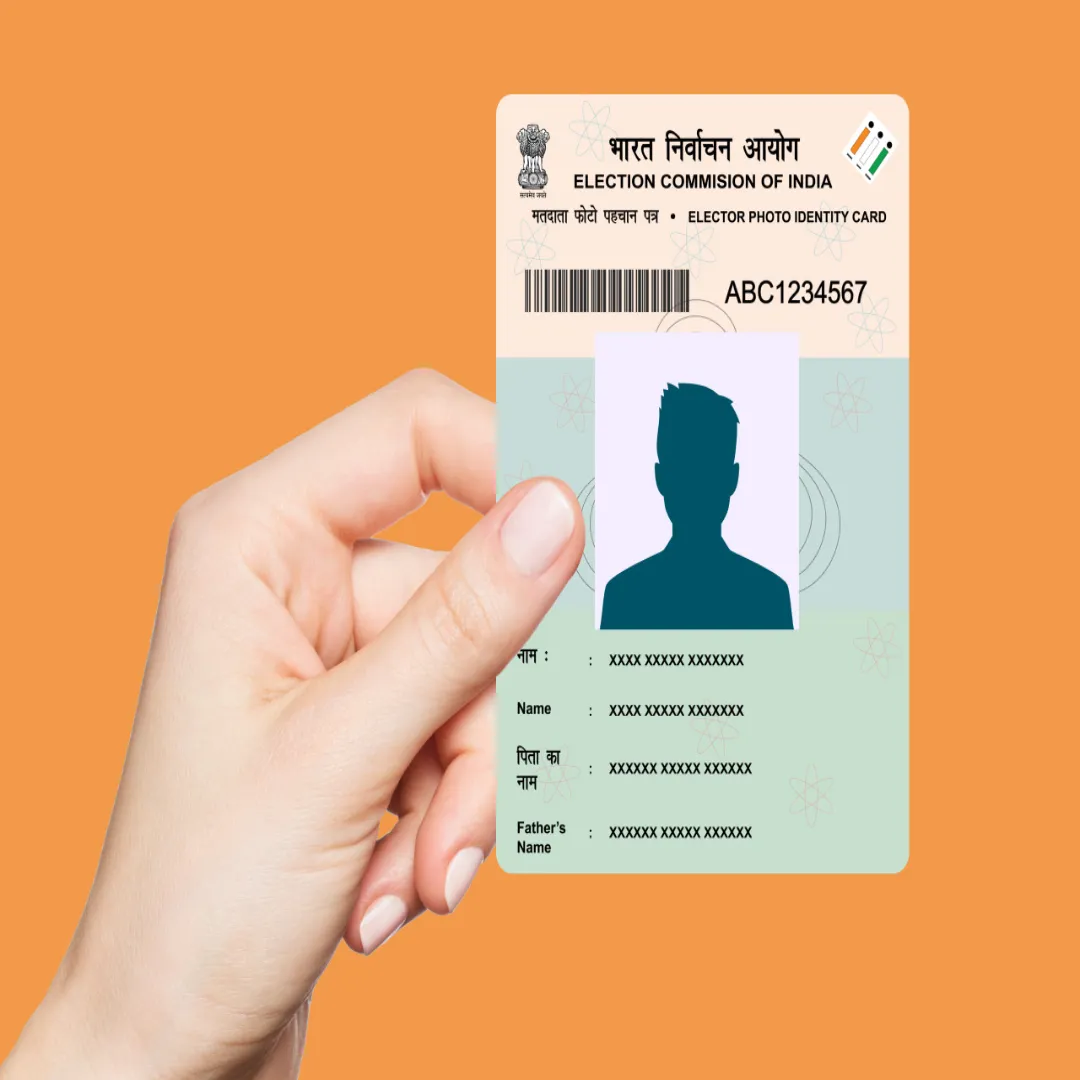
E-Voter ID Card Download Process: You can easily download your e-Voter ID card while sitting at home and check whether your name is in the voter list or not. Know its complete process.
6 November, 2025
E-Voter ID Card Download Process: The first phase of Bihar assembly elections is today on 6th November. The voting process has started on 121 seats in 18 districts of Bihar. A total of 3 crore 75 lakh 13 thousand 302 voters will exercise their franchise. Today, PM Modi has made a special appeal to the people of Bihar and said – first vote and then refreshments. Many people do not go to vote out of laziness or they do not have their Voter ID card. If your voter ID card is lost or your voter card has not yet been prepared after applying, you can still vote. You can easily download your e-Voter ID card sitting at home and check whether your name is in the voter list or not. Let us know what is the complete process of downloading e-Voter ID.
You can keep the digital version of the Voter ID card in your mobile. It is called e-EPIC (Electronic Electoral Photo Identity Card). You can show this as an identity card at the polling booth. There is a QR in e-EPIC, which contains all the information of the voter. You can check whether your name is in the voter list by visiting the official website of the Election Commission. Apart from this, you can also download your e-Voter ID card.
How to check your name in voter list
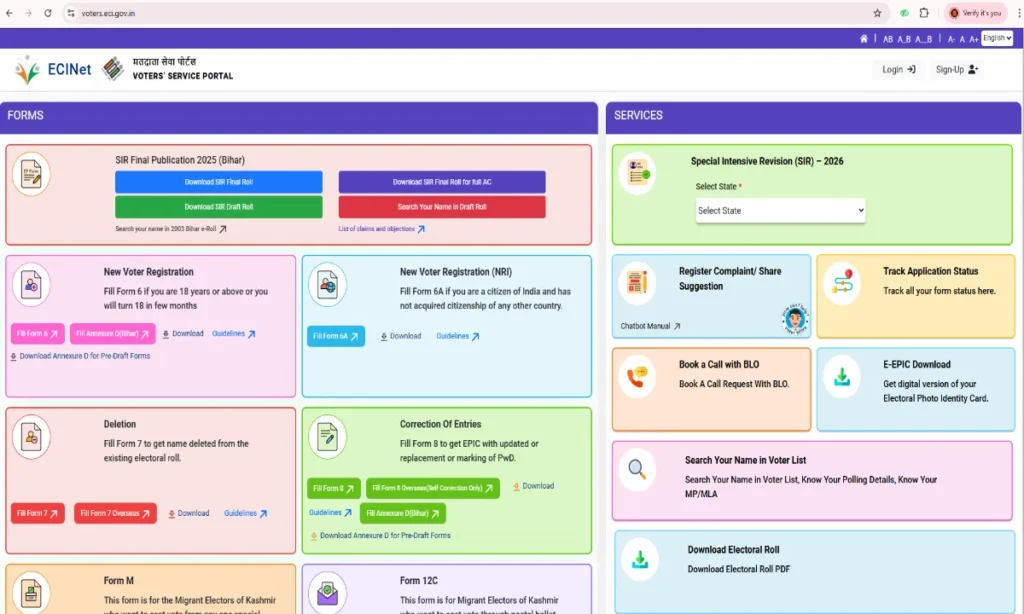
To check your name in the voter list, first of all go to the Election Commission website https://voters.eci.gov.in/. Here you will see the option of Search Your Name in Voter List, click on it. Now you will see three options. You fill the captcha code by entering EPIC number, state and date of birth or mobile number. After this, as soon as you click on search, all your information will appear on the screen.
Process to download e-Voter ID card
To download e-Voter ID, you will have to open the Election Commission website https://voters.eci.gov.in/. Here you will see the option Download e-EPIC, click here. Now login by entering your EPIC number or mobile number. OTP will come on your number, enter it. After this, download your e-Voter ID card by clicking on Download e-EPIC.
Update your Voter ID card
If your mobile number has changed or your home address has changed, then you can update it also. For this you will have to fill Form 8A available on the website. If you apply for Voter ID card, you will have to upload some required documents online. These documents should be in JPG, JPEG or PDF format. You have to submit 2 passport photographs, address proof (electricity bill, gas bill, water bill, telephone bill, bank passbook, rent agreement), identity proof (Aadhar card, PAN card, driving license, passport, ration card) and age proof (birth certificate, 10th class mark sheet).
Also read- Voting begins on 121 seats of Bihar, today the fate of 1314 candidates will be captured in EVM.